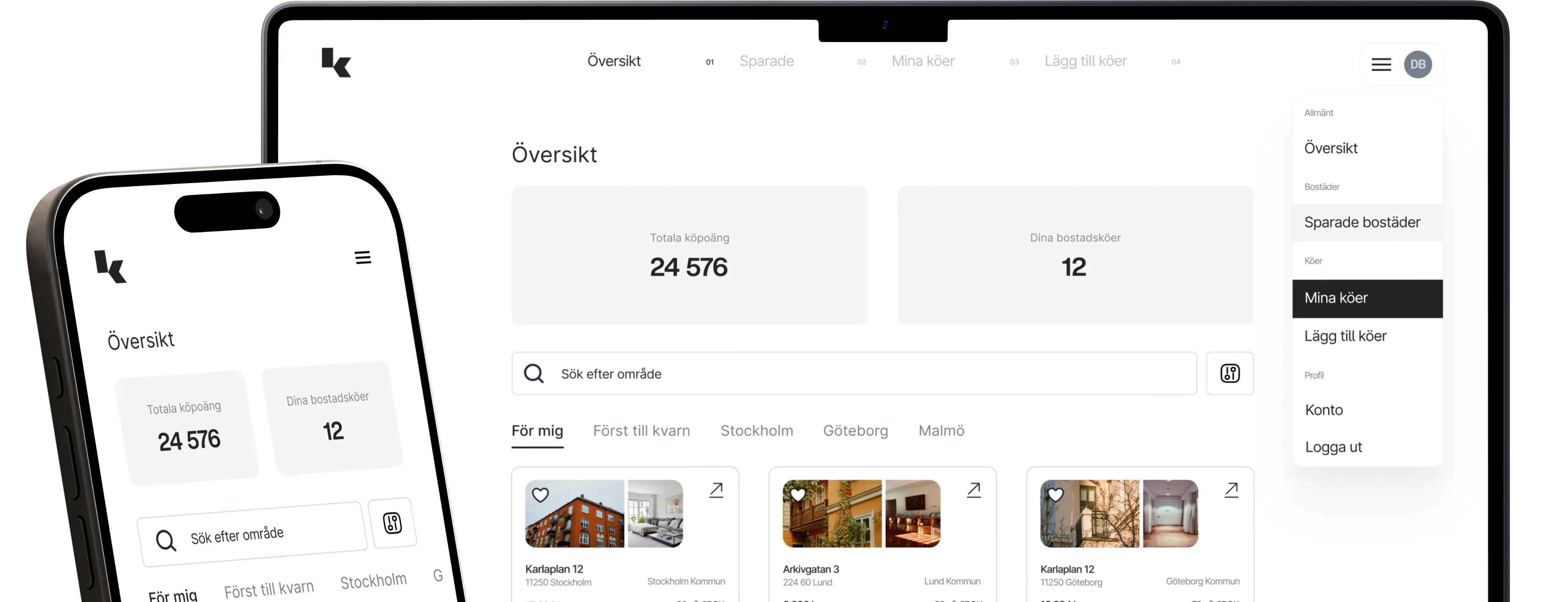
Switch from Dibz to KöKollFrom Dibz to KöKoll
Why pay at Dibz, when KöKoll does more – for free?
Here's how to transfer your queues to KöKoll:
01
Log in to Dibz
Navigate to → My queues
02
Open KöKoll in a new tab
Navigate to → Import queues
03
For each queue:
→ Copy password from Dibz → Paste into KöKoll → Click "Import"
04
Done!
Well done! You have now imported everything to KöKoll.